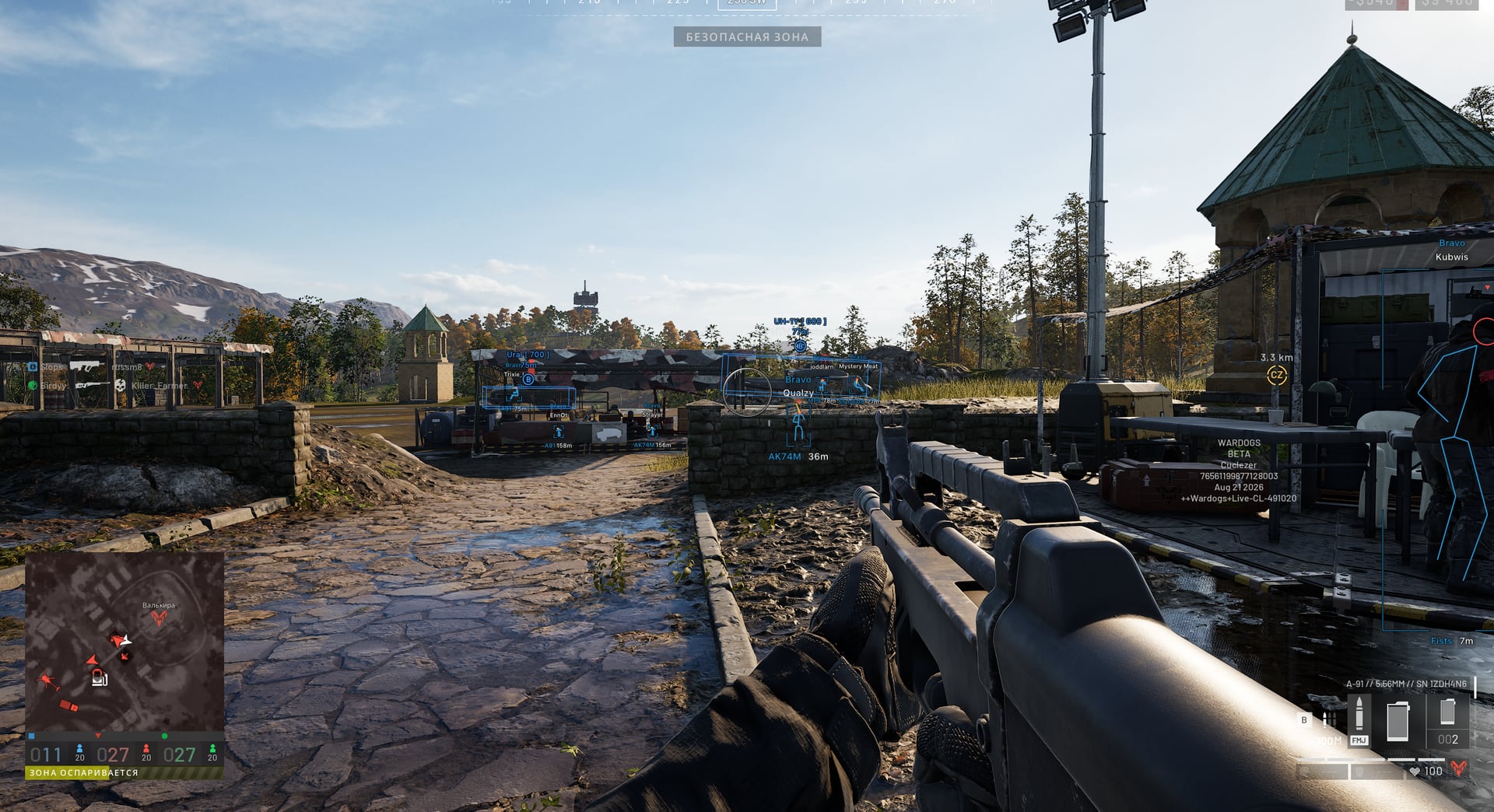
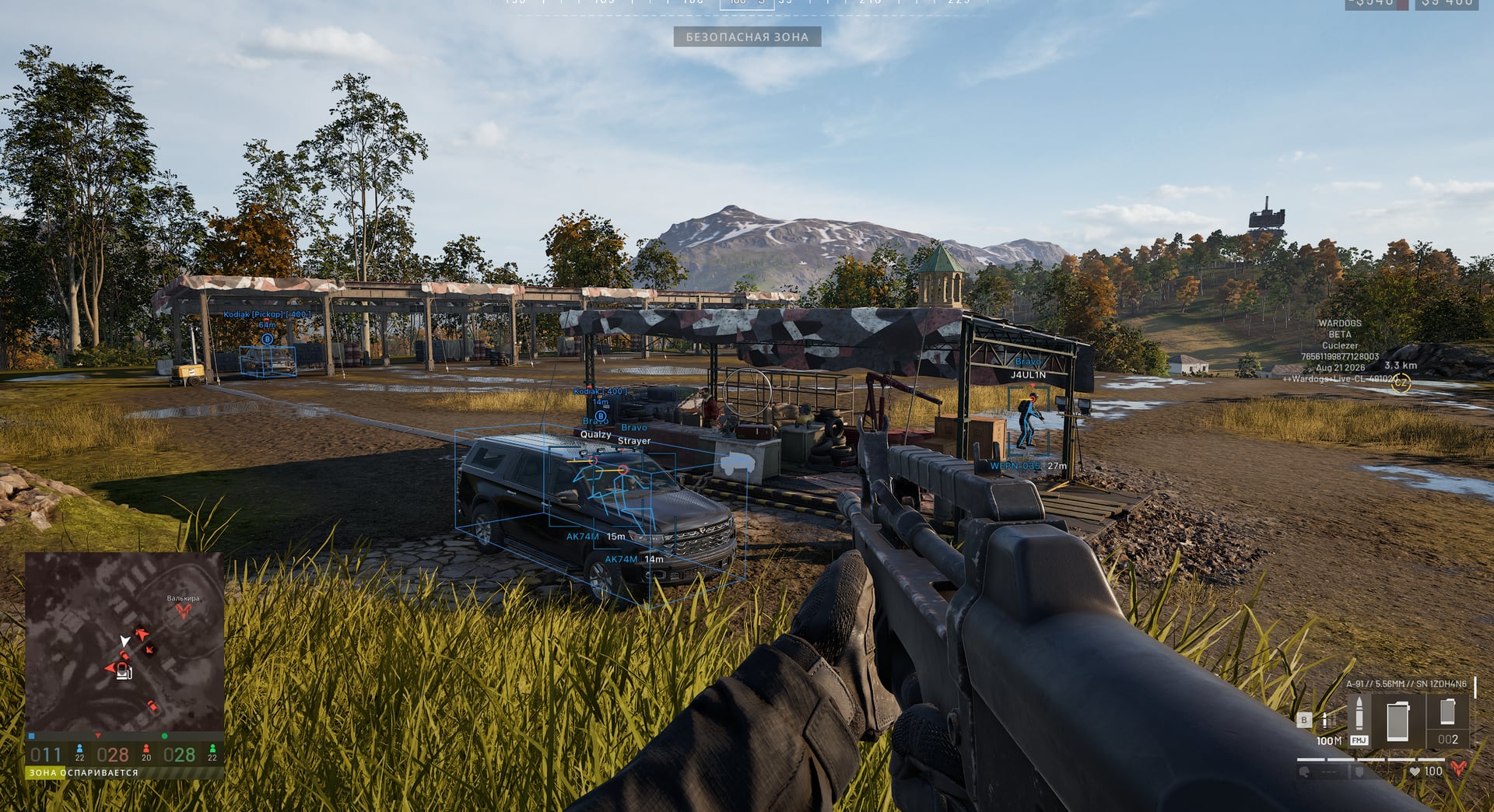
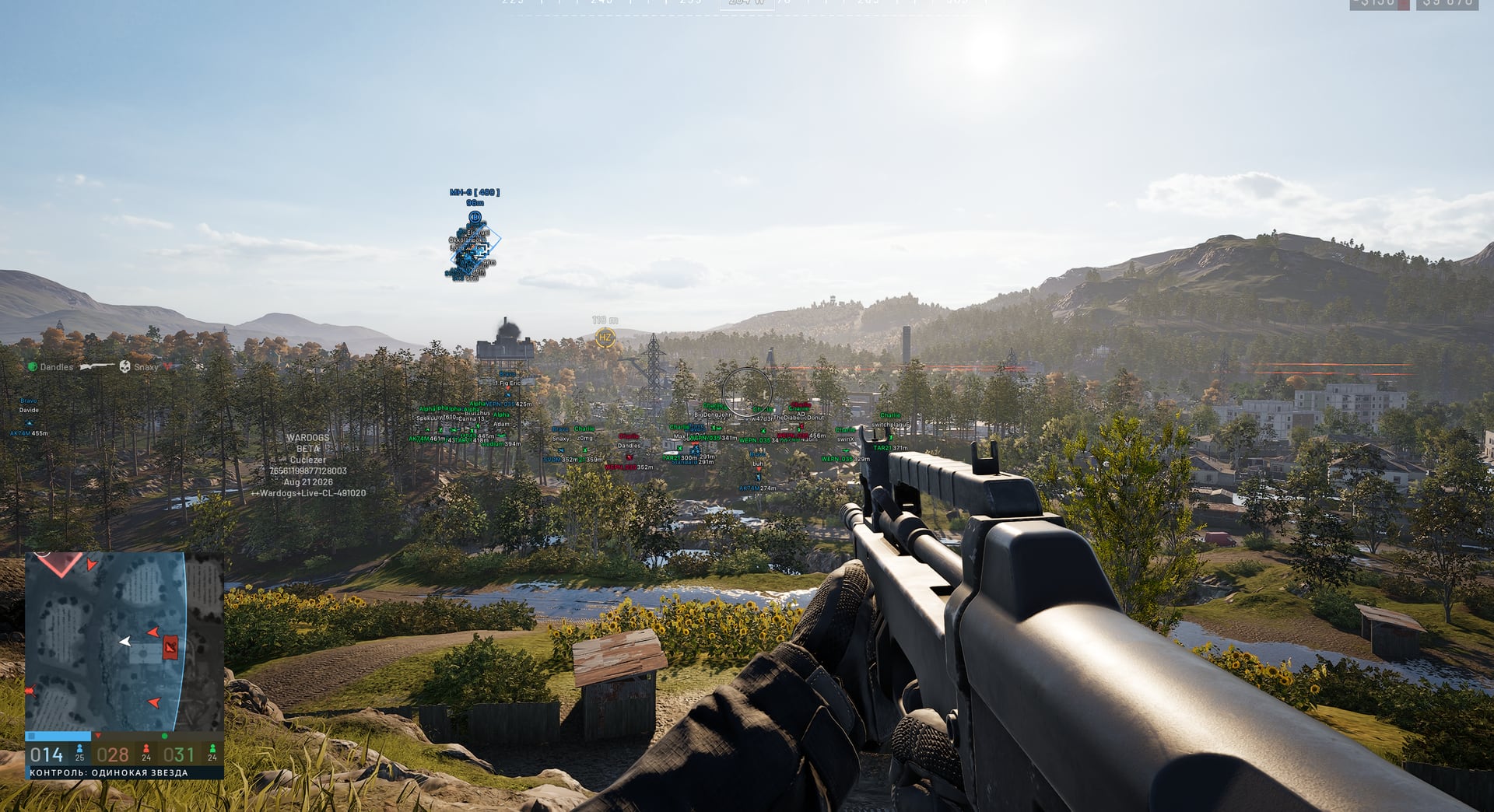
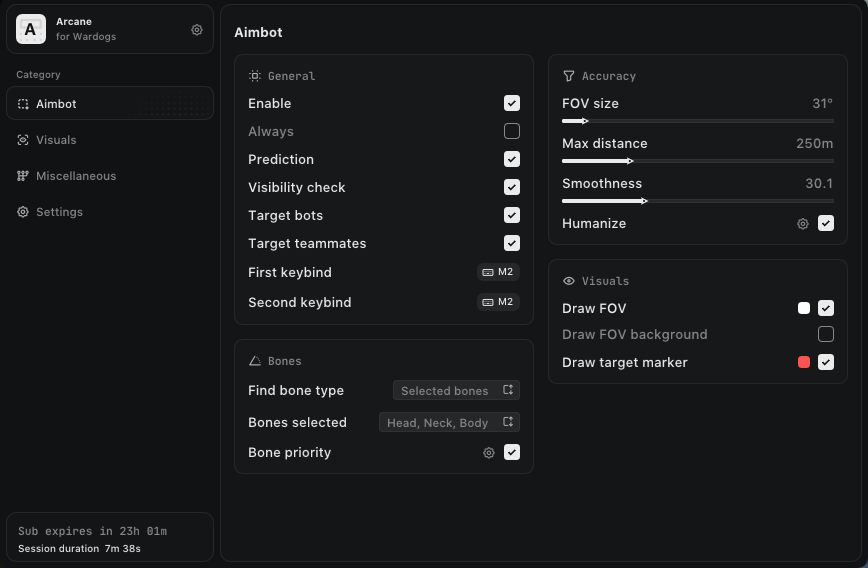
Arcane for WARDOGS combines pSilent and Humanize aimbot modes, player and world ESP, weapon-stability controls and a shared-config system. Choose targets and bones, adjust FOV and smoothing, display names, teams, weapons, distance, dropped items and vehicles, or enable No Recoil, No Spread, No Sway and Fullbright. The auto-update module removes the need to install updates manually after game patches.
· supported game version: Steam
· Display mode: Windowed / Borderless
· operating system: Windows 10–11 x64 (1903 to the latest build)
· RAM: 12 GB or more
· processor: Any
· graphics card: Any
· auto update: Yes; no manual updates are required after patches
Main Features:
· Aimbot: Enable with two configurable keybinds and movement prediction / pSilent Aimbot mode
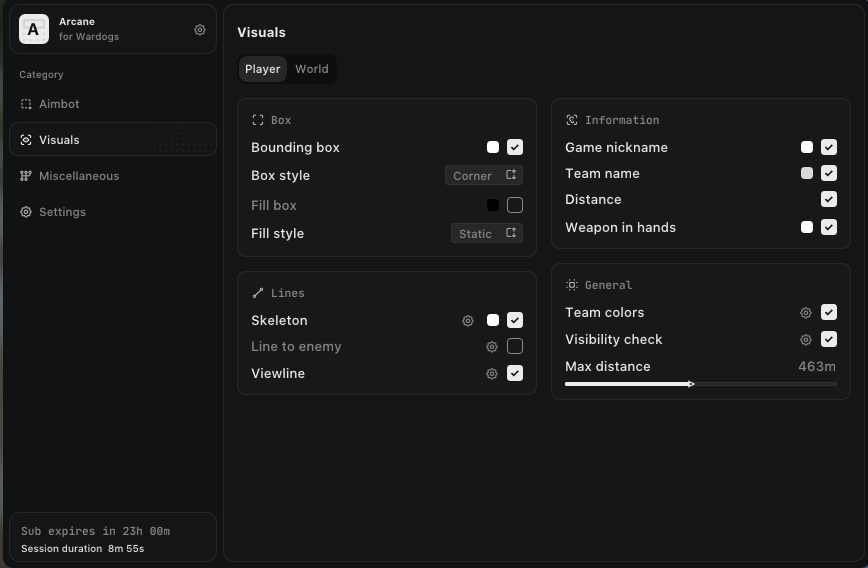
· Player ESP: Regular or corner box with static or gradient fill / Skeleton thickness and head circle, view line and line to enemy
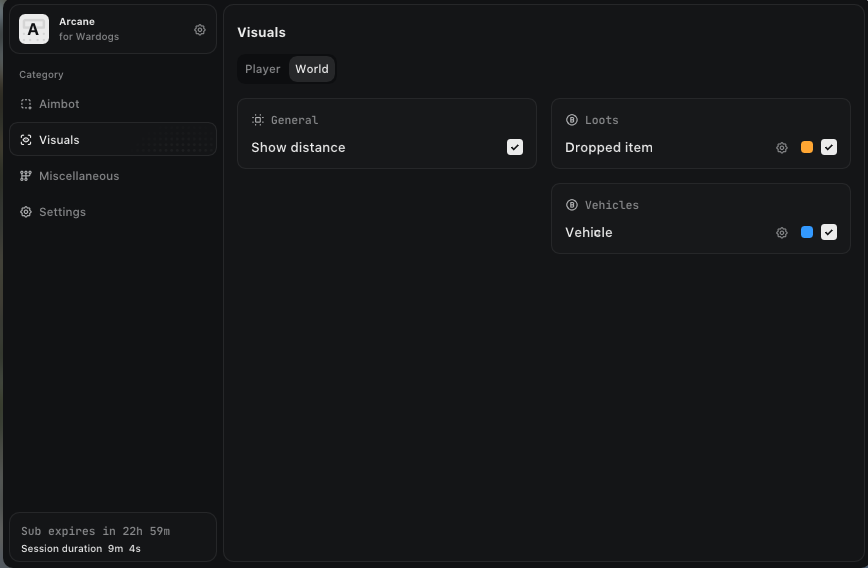
· World ESP: Object distance and dropped-item display / Vehicle display
· Radar: Supply markers with per-type color, name, distance and off-screen indicators / Mortar operator marker with a separate color, name, distance, off-screen indicator and ally display
· Game map: Separate Mortar operator color on the minimap and tactical map
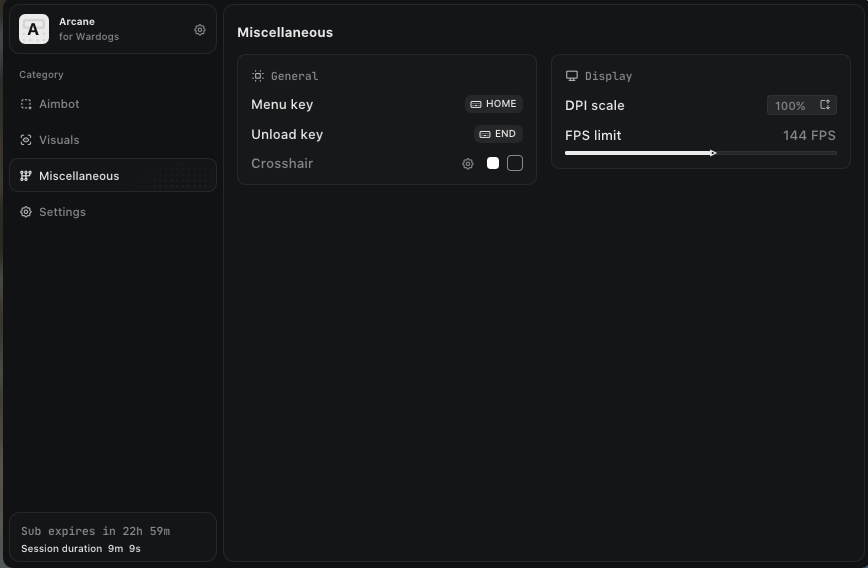
· Settings: Menu and unload keys, built-in crosshair / DPI scale, VSync and FPS limit
· Show Flags: No Particles — particles disabled / No Vegetation — vegetation disabled
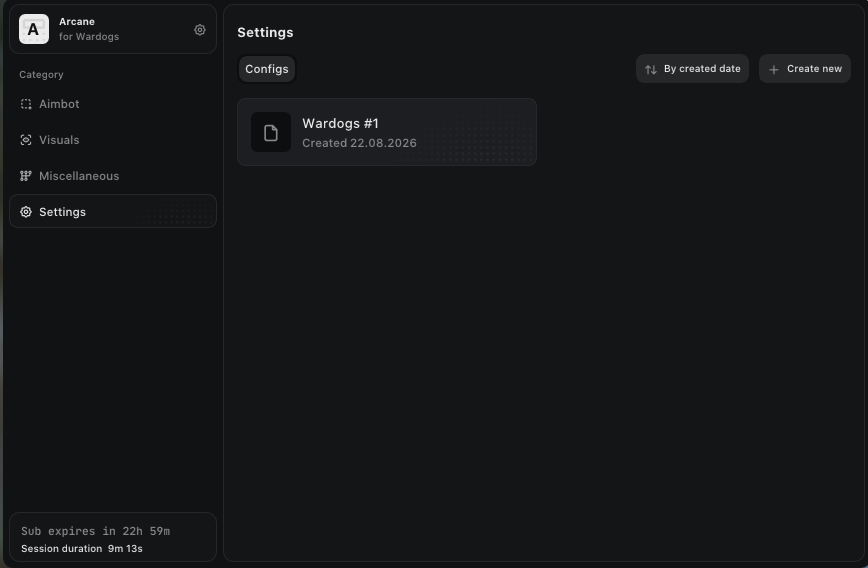
· Configs: Create and sort configs by date / Get a friend's config with a unique key
Aimbot:
– Enable with two configurable keybinds and movement prediction / pSilent Aimbot mode / Targets: players, bots or teammates; visibility check
– Bone search: selected, closest or random; choose head, neck, chest or body / Humanize, FOV size, smoothing, FOV circle and background, target marker and maximum distance
Player ESP:
– Regular or corner box with static or gradient fill / Skeleton thickness and head circle, view line and line to enemy / Game nickname, team name, weapon in hands and distance
– Team colors, visibility check and maximum render distance
World ESP:
– Object distance and dropped-item display / Vehicle display / Supply ESP for Supply crate, Armoured crate, Build pallet and Supply depot
– 3D boxes for supplies with per-type colors and distance / Mortar operator highlight with a separate color and maximum distance / Spawn display for new vehicles: Lonestar, Manticore and Valkyra
Radar:
– Supply markers with per-type color, name, distance and off-screen indicators / Mortar operator marker with a separate color, name, distance, off-screen indicator and ally display
Game map:
– Separate Mortar operator color on the minimap and tactical map
Settings:
– Menu and unload keys, built-in crosshair / DPI scale, VSync and FPS limit / No Recoil, No Spread and No Sway
– Fullbright for a brighter scene / Dark or light theme and watermark / Menu language: EN, RU or CH
– No Weapon Collisions to disable weapon collisions
Show Flags:
– No Particles — particles disabled / No Vegetation — vegetation disabled / No Fog — fog disabled
– No Shadows — shadows disabled / No Anti-Aliasing — anti-aliasing disabled / No Decals — decals disabled
– No Transparency — transparency disabled
Configs:
– Create and sort configs by date / Get a friend's config with a unique key / Launch, save and rename configs
– Share your configs and remove them
[Selling] 🔮 ARCANE RADAR PUBG Cheat | Player Radar · Item Radar · Drop Radar 💜 08/12/2026 - PlayerUnknown's Battlegrounds Trading - 0 Replies ARCANE RADAR PRIVATE CHEAT FOR PUBG
Instant delivery · Installation assistance · Regular updates
ABOUT ARCANE RADAR: Provides a dedicated PUBG radar with player, vehicle, drop and item tracking. The player list displays Team ID, nickname, weapon, ammo count and distance for quick access to important match information.
image: https://i.ibb.co/PZ3Xtn6q/9901095e188301ef21a52fa0 168842836.jpg, thumb: https://i.ibb.co/PZ3Xtn6q/9901095e188301ef21a52fa0 168842836.jpg, big:...











 Arcane | WARDOGS Cheat | Aimbot • Player ESP • Radar