Discussion on Arcane | Mistfall Hunter Cheat | Aimbot • Player ESP • Item ESP within the Mistfall Hunter Trading forum part of the Shooter Trading category.
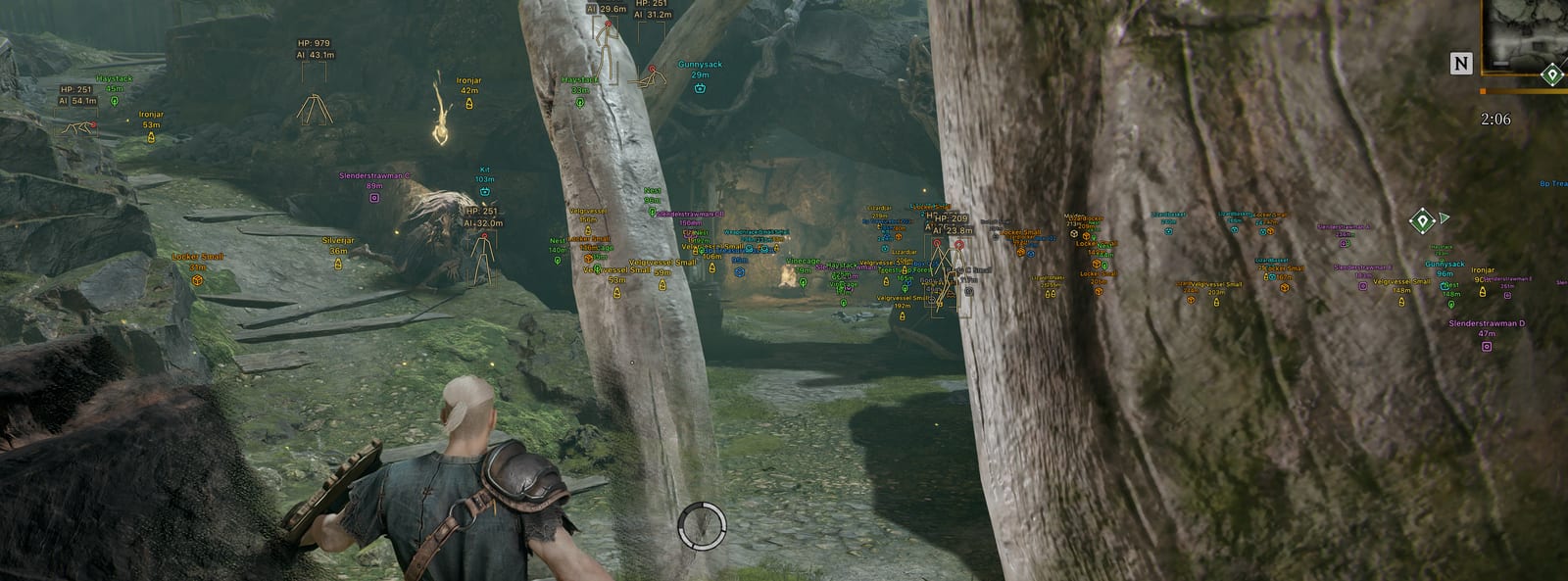
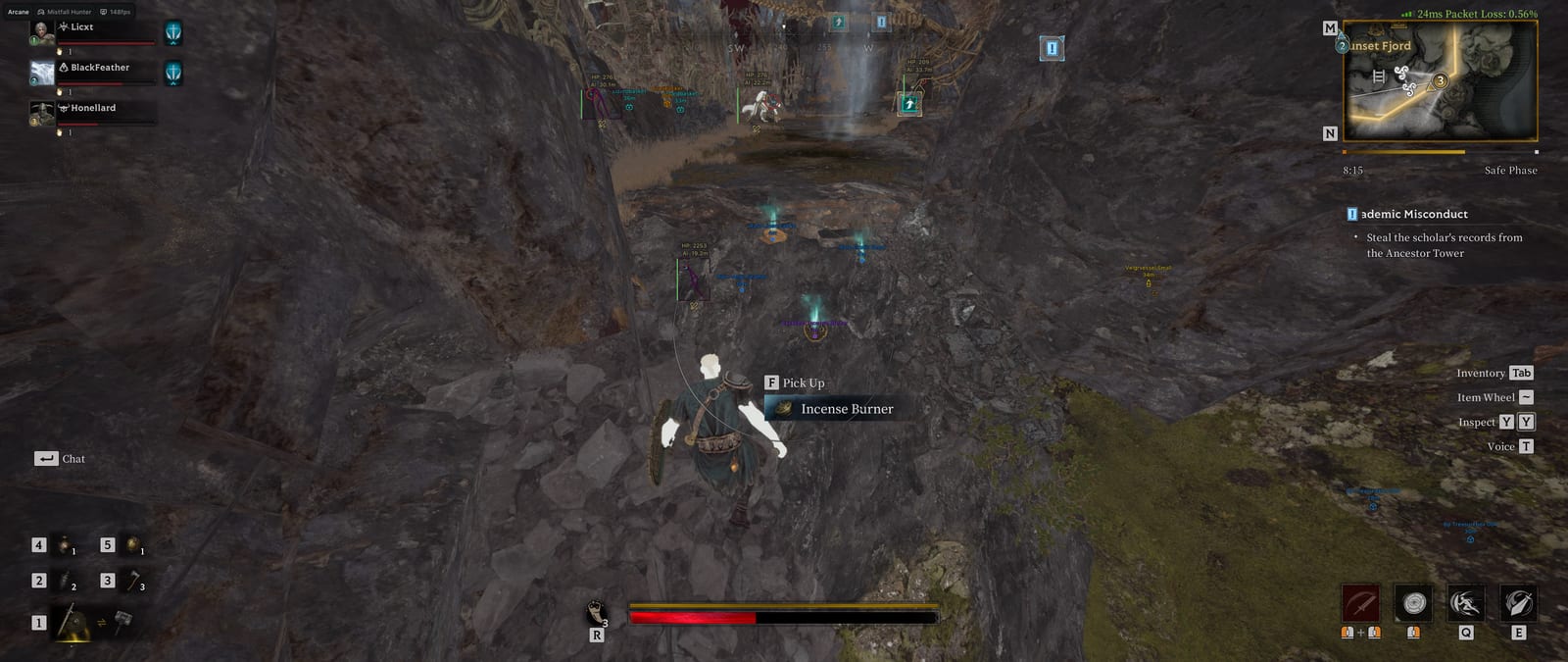
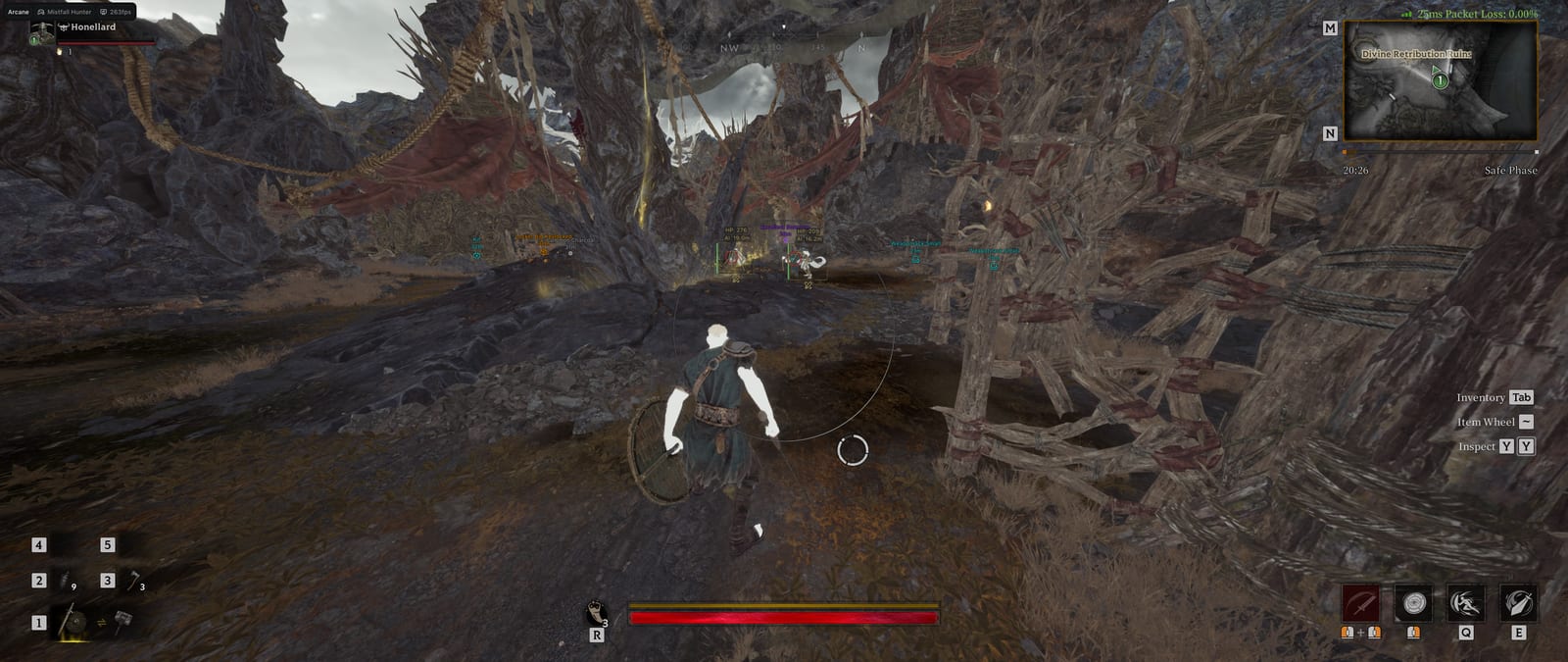
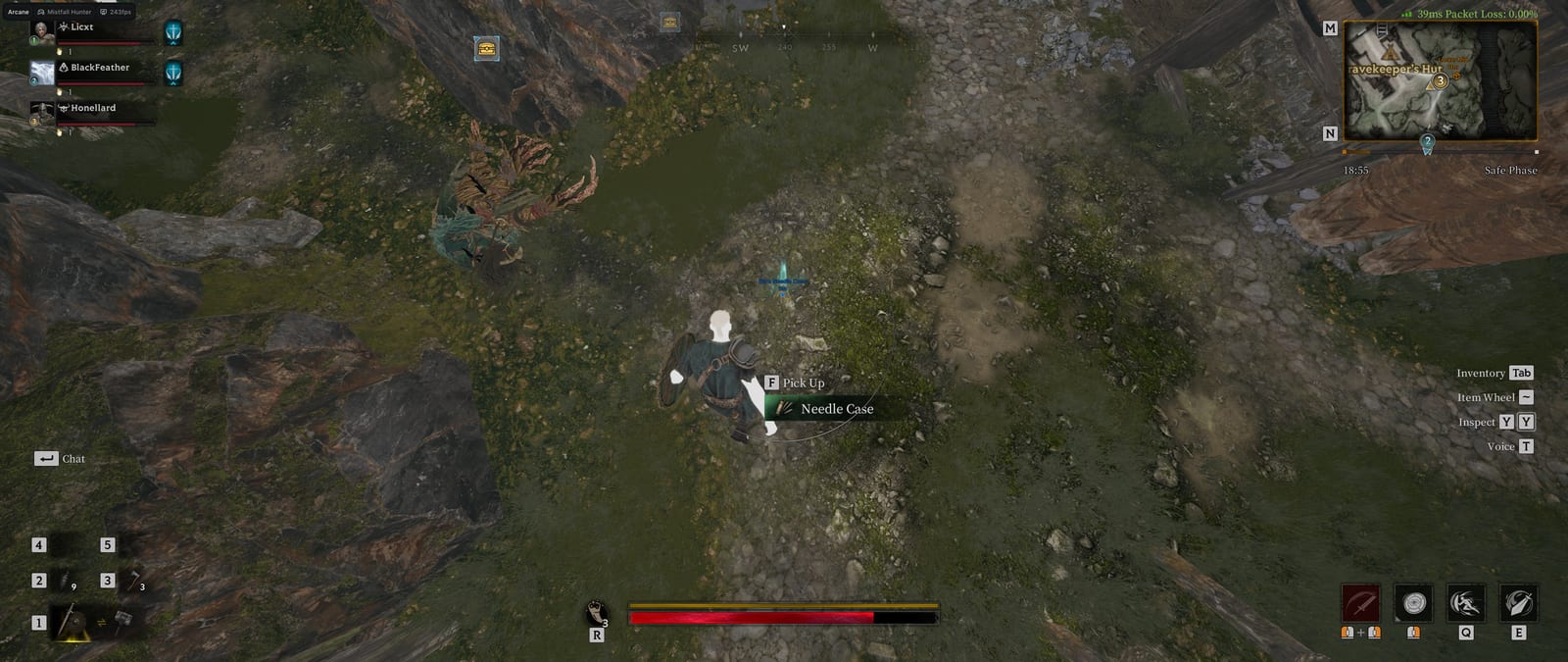
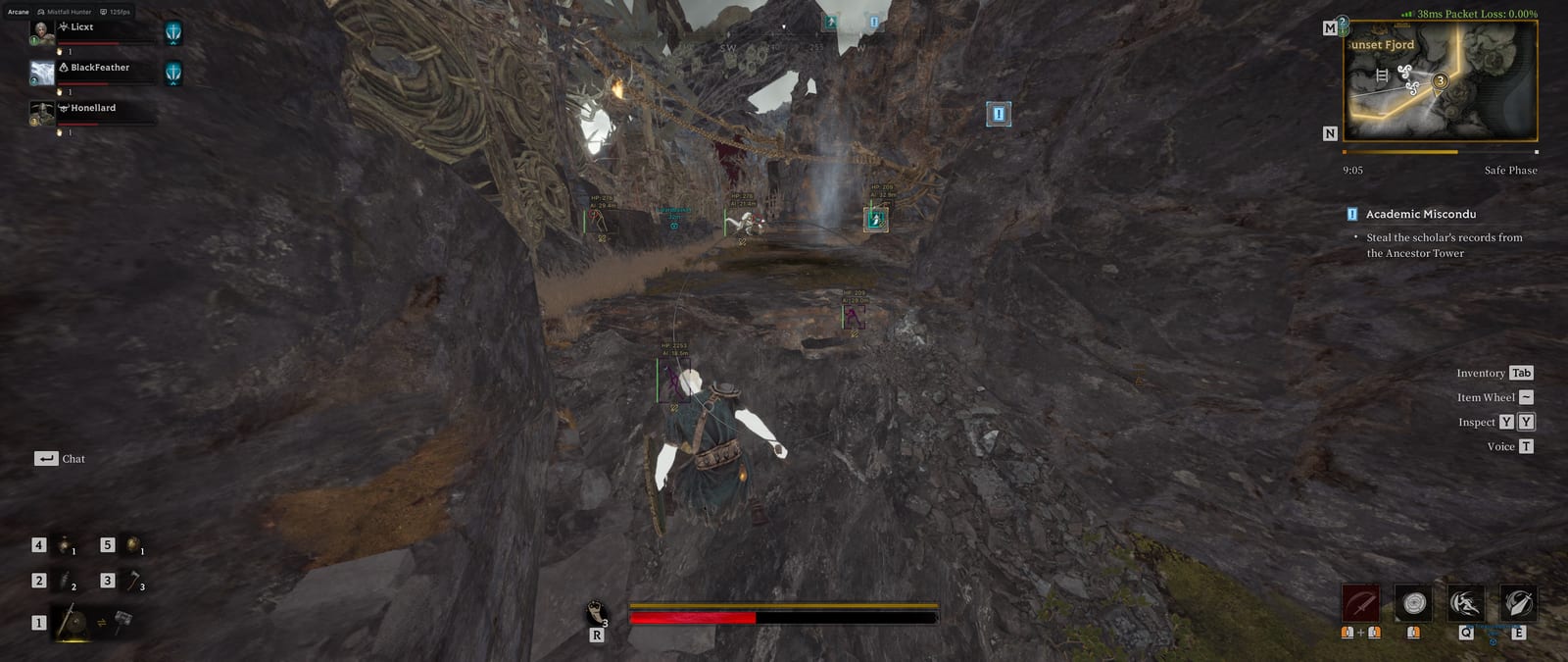
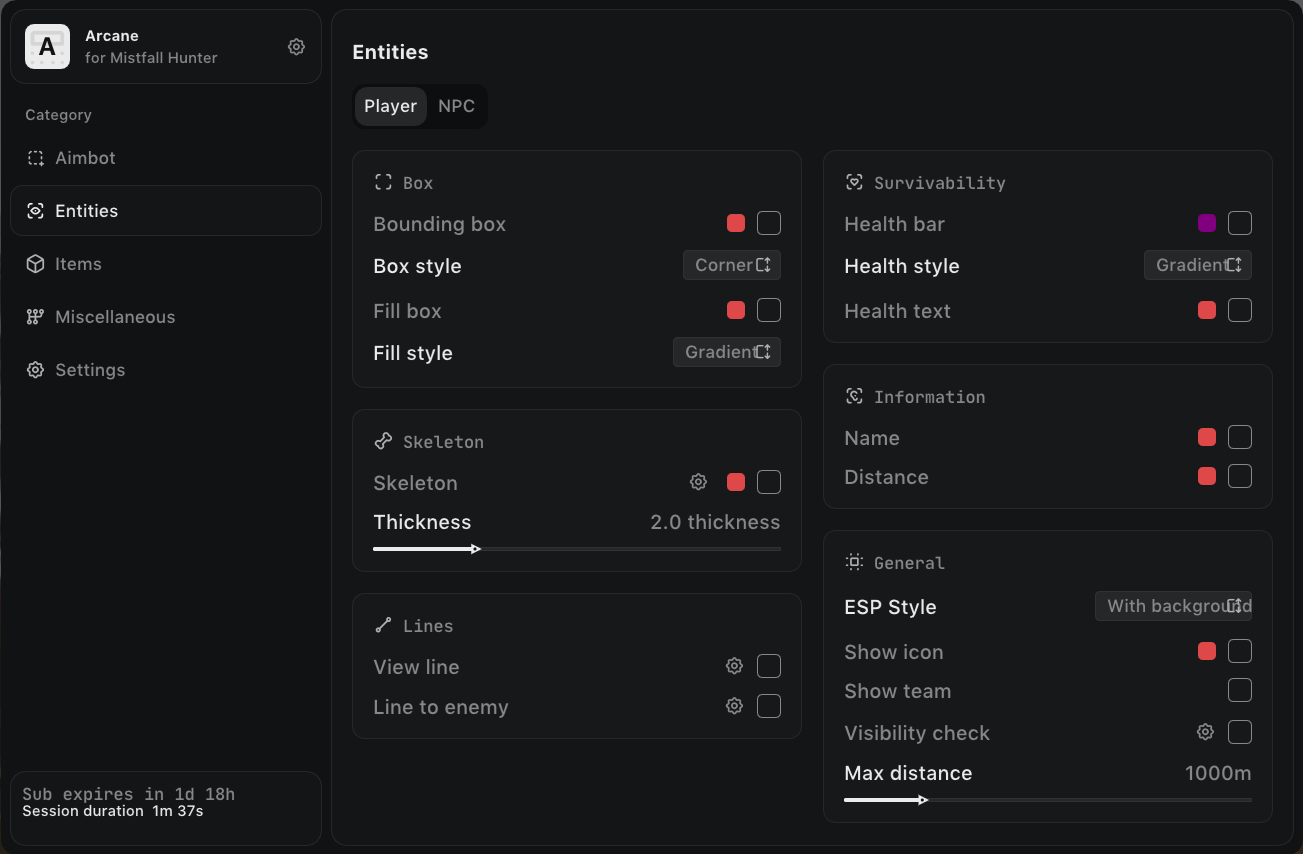
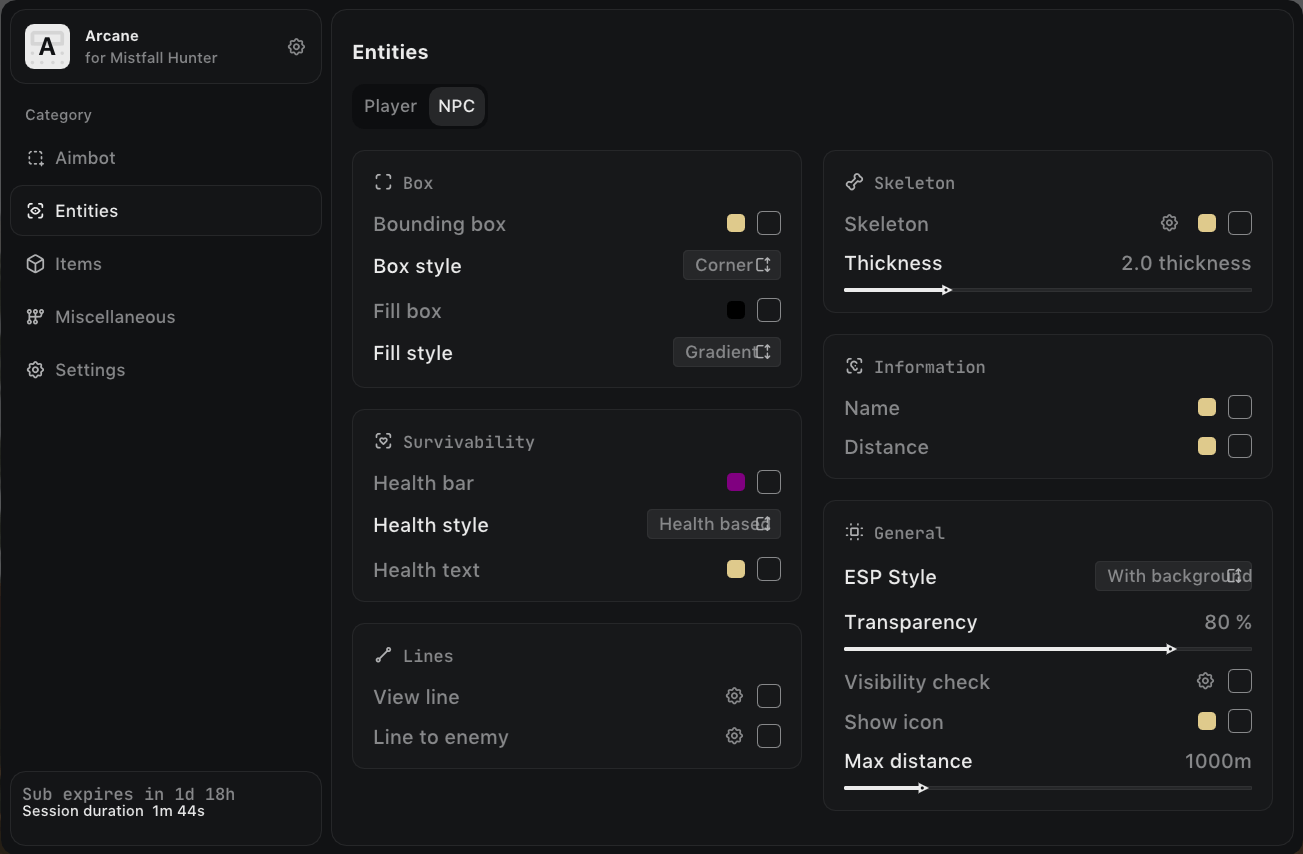
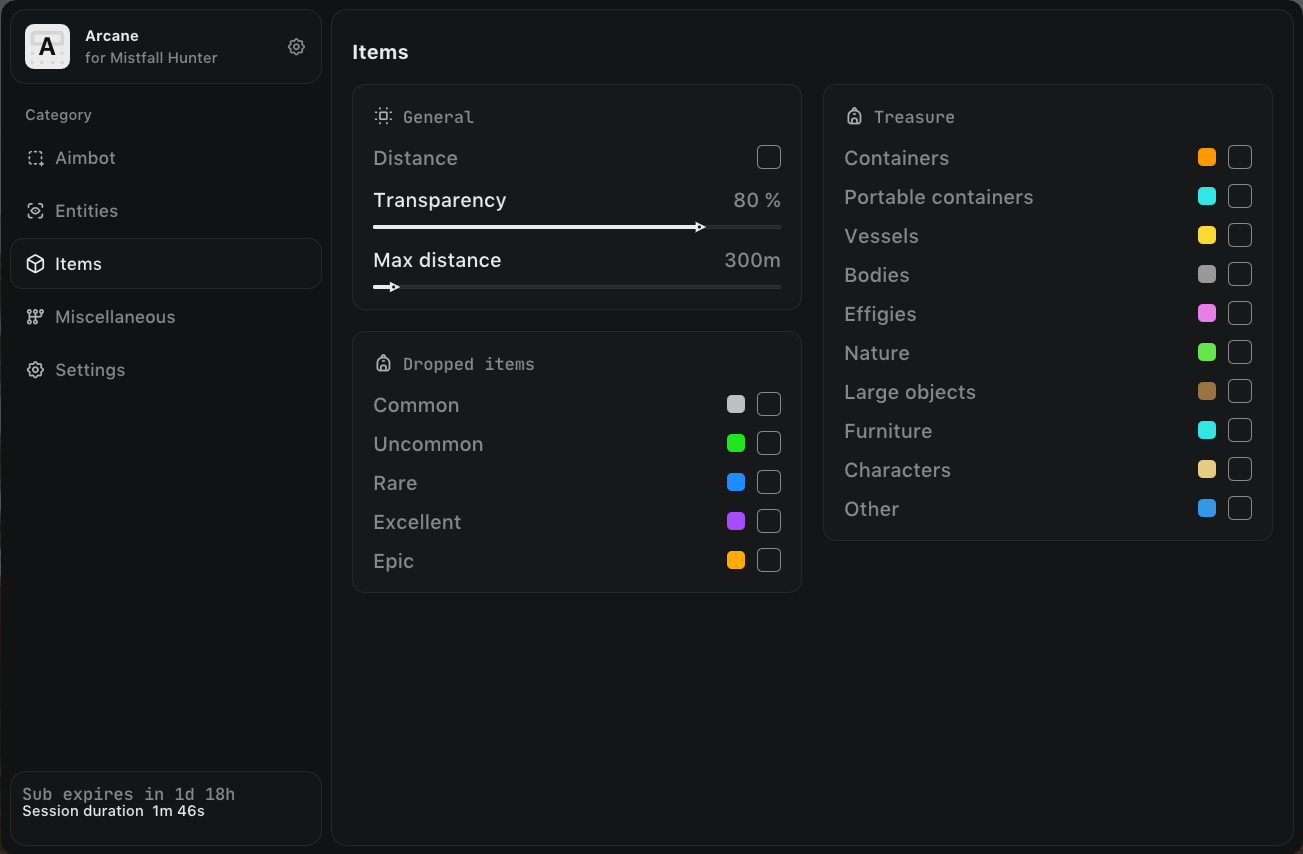
Arcane for Mistfall Hunter is private software for a dark fantasy extraction game, where a raid ends either with the loot you carried out or with the loss of all your gear. The ESP shows players and NPCs with boxes, skeletons, health bars, names and distance, while a separate layer handles the loot: dropped items are colored by rarity, and containers, vessels, bodies and effigies are visible across the whole map.
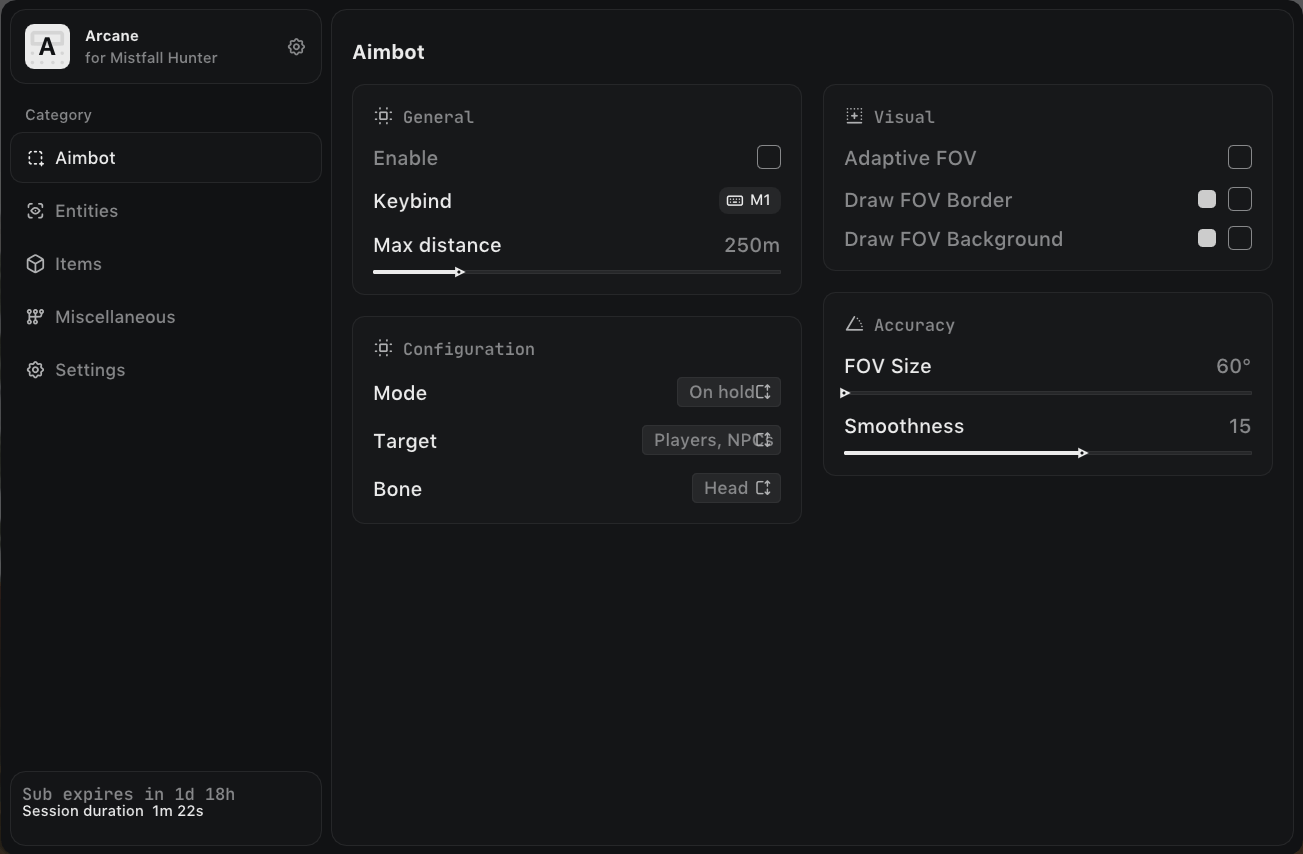
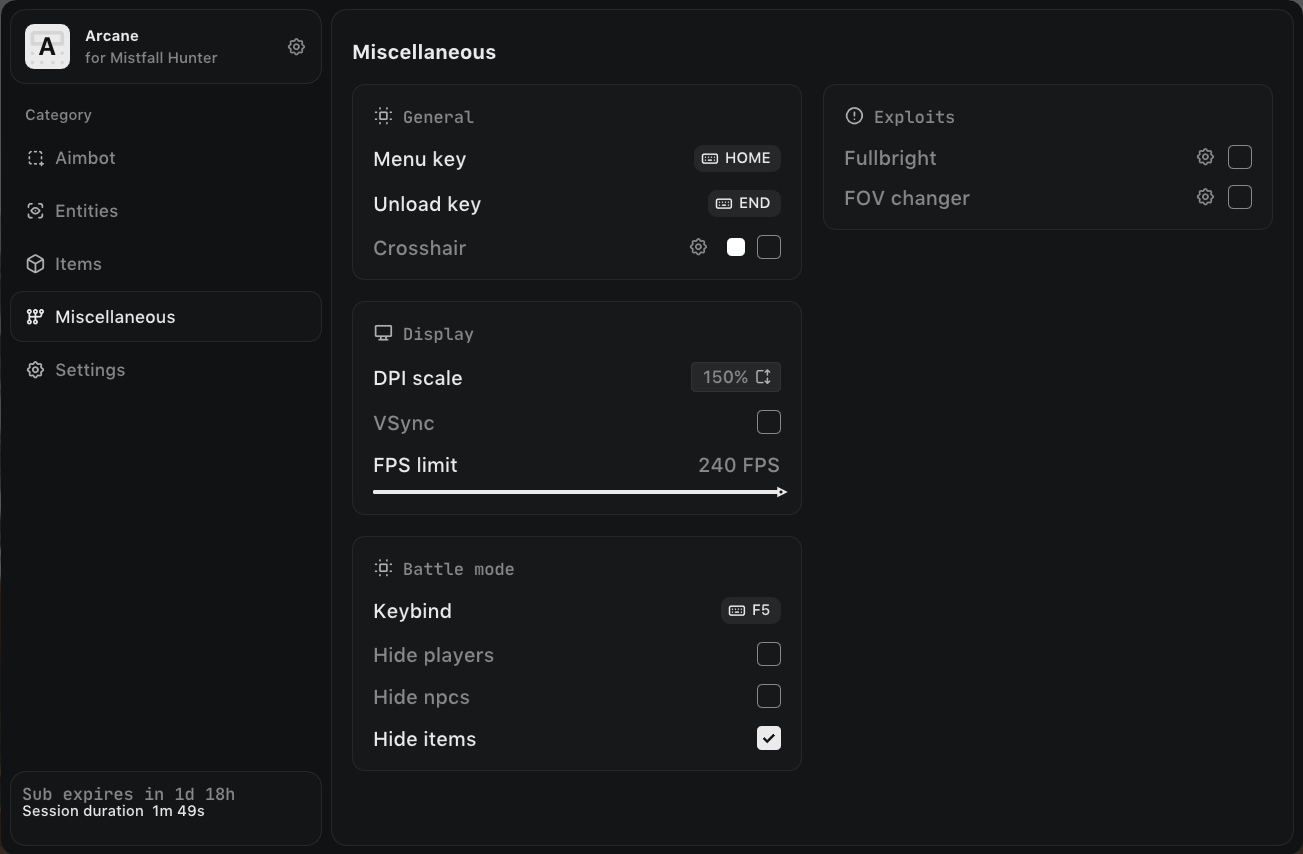
The aimbot locks onto the bone you pick, can target visible enemies only and is tuned via an adaptive FOV circle, smoothing and distance. Battle mode clears everything but your opponents off the screen with a single key. Fullbright and an FOV changer are included. The auto-update module removes the need to update manually after game patches.
· supported game version: Steam
· Display mode: Windowed / Borderless
· OS: Windows 10 / 11 x64 (from 1903 to the latest)
· RAM: 12 GB or more
· Processors: Any
· GPU: Any
· additional requirements: Auto-update module: no manual updates required after game patches
Main Features:
· AIMBOT: Enable — Enable / Keybind — Activation key
· EXPLOITS: Fullbright — Disable shadows / FOV changer — Change the field of view
· PLAYERS ESP: ESP style — ESP style: with or without background / Bounding box — Bounding box: box or corner
· NPC ESP: ESP style — ESP style: with or without background / Bounding box — Bounding box: box or corner
· ITEMS ESP: Distance — Distance to the item / Transparency — Rendering transparency
· DROPPED ITEMS: Common — Common / Uncommon — Uncommon
· TREASURES: Containers — Containers / Portable containers — Portable containers
· BATTLE MODE: Keybind — Activation key / Hide players — Hide players
AIMBOT:
– Enable — Enable / Keybind — Activation key / Max distance — Maximum distance
– Mode — Mode: always or on hold / Target — Target: players or NPCs / Bone — Bone: head, neck, body, pelvis
– Adaptive FOV — Adaptive FOV circle size / FOV Border — Draw the FOV border / FOV Background — Draw the FOV background
– FOV Size — FOV circle size / Smoothness — Aim smoothness / Visibility check — Aim at visible targets only
EXPLOITS:
– Fullbright — Disable shadows / FOV changer — Change the field of view
PLAYERS ESP:
– ESP style — ESP style: with or without background / Bounding box — Bounding box: box or corner / Box fill — Box fill: static or gradient
– Skeleton — Skeleton: line thickness and head circle / View line — View line: start and end color / Line to enemy — Line to target: position and color
– Health bar — Health bar: static, health based or gradient / Health text — Health as a number / Name — Name
– Distance — Distance / Show icon — Icon / Show team — Team
– Visibility check — Visibility check / Max distance — Maximum display distance
NPC ESP:
– ESP style — ESP style: with or without background / Bounding box — Bounding box: box or corner / Box fill — Box fill: static or gradient
– Skeleton — Skeleton: line thickness and head circle / View line — View line: start and end color / Line to enemy — Line to target: position and color
– Health bar — Health bar: static, health based or gradient / Health text — Health as a number / Name — Name
– Distance — Distance / Show icon — Icon / Show team — Team
– Visibility check — Visibility check / Max distance — Maximum display distance
ITEMS ESP:
– Distance — Distance to the item / Transparency — Rendering transparency / Max distance — Maximum display distance








 Arcane | Mistfall Hunter Cheat | Aimbot • Player ESP • Item ESP