ARCANE FOR FARLIGHT 84
AIMBOT • PLAYER ESP • ITEM ESP • CUSTOM CROSSHAIR
A feature-rich solution combining configurable aiming assistance, detailed player information and an extensive item filtering system for weapons, ammunition, attachments and supplies.
INSTANT DELIVERY • STEP-BY-STEP SETUP GUIDE • CUSTOMER SUPPORT
VIEW ARCANE FOR FARLIGHT 84
PRODUCT OVERVIEW
Arcane for Farlight 84 combines adjustable aiming assistance, detailed Player ESP, customizable visual settings and a comprehensive Item ESP system.
Configure the target bone, activation key, aiming smoothness, FOV radius, maximum distance and player display range. Item ESP includes separate filters for weapons, ammunition, attachments, medical supplies, shields and other important equipment.
Main features:
- Configurable Aimbot with target filters, bone selection, smoothness and FOV controls
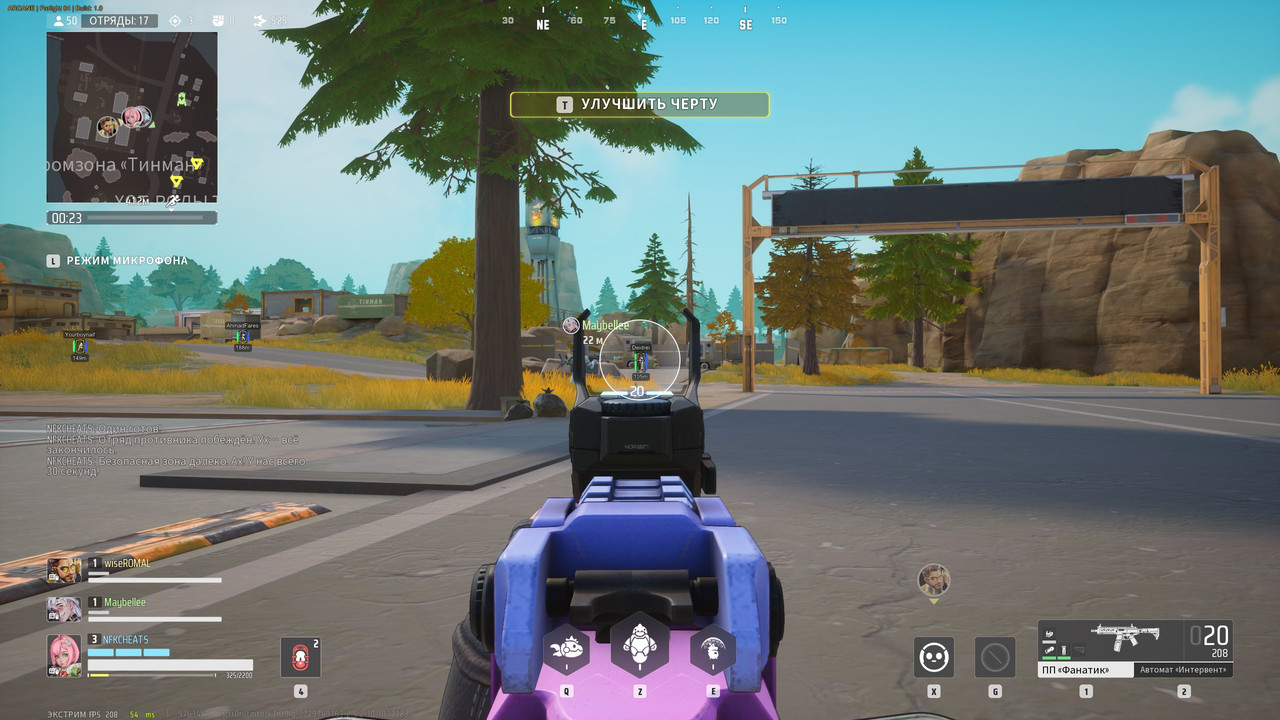
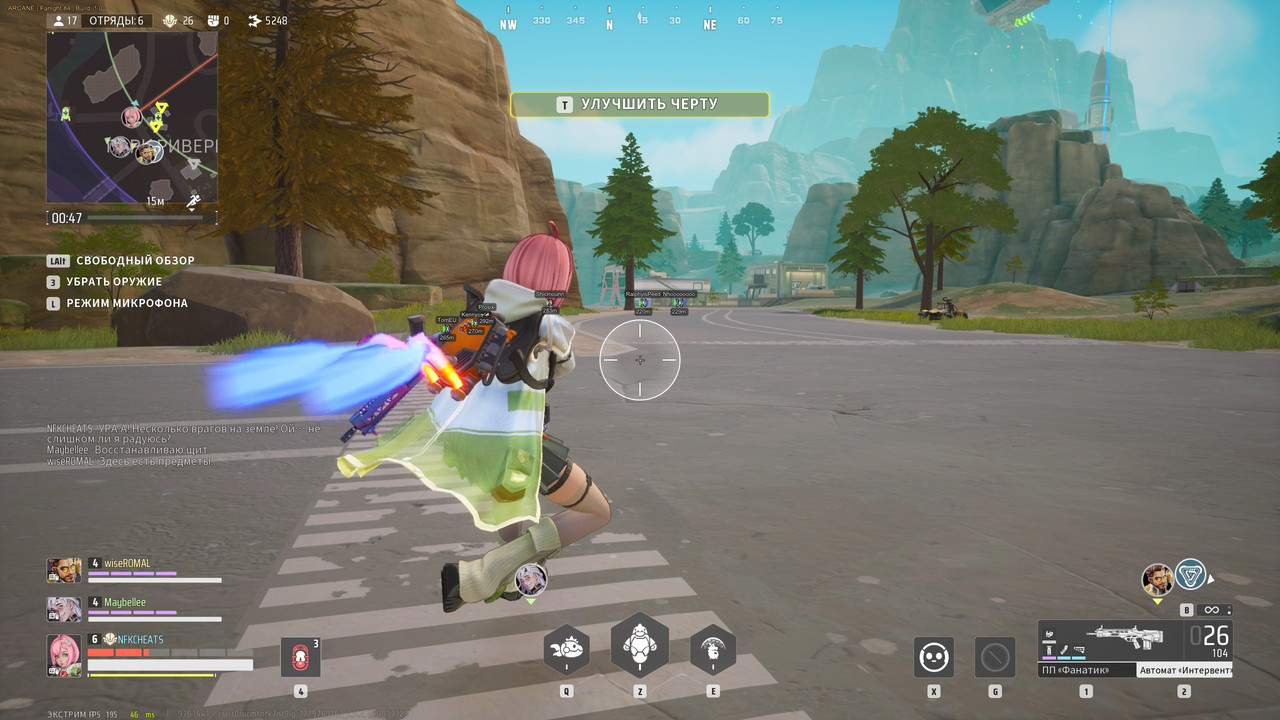
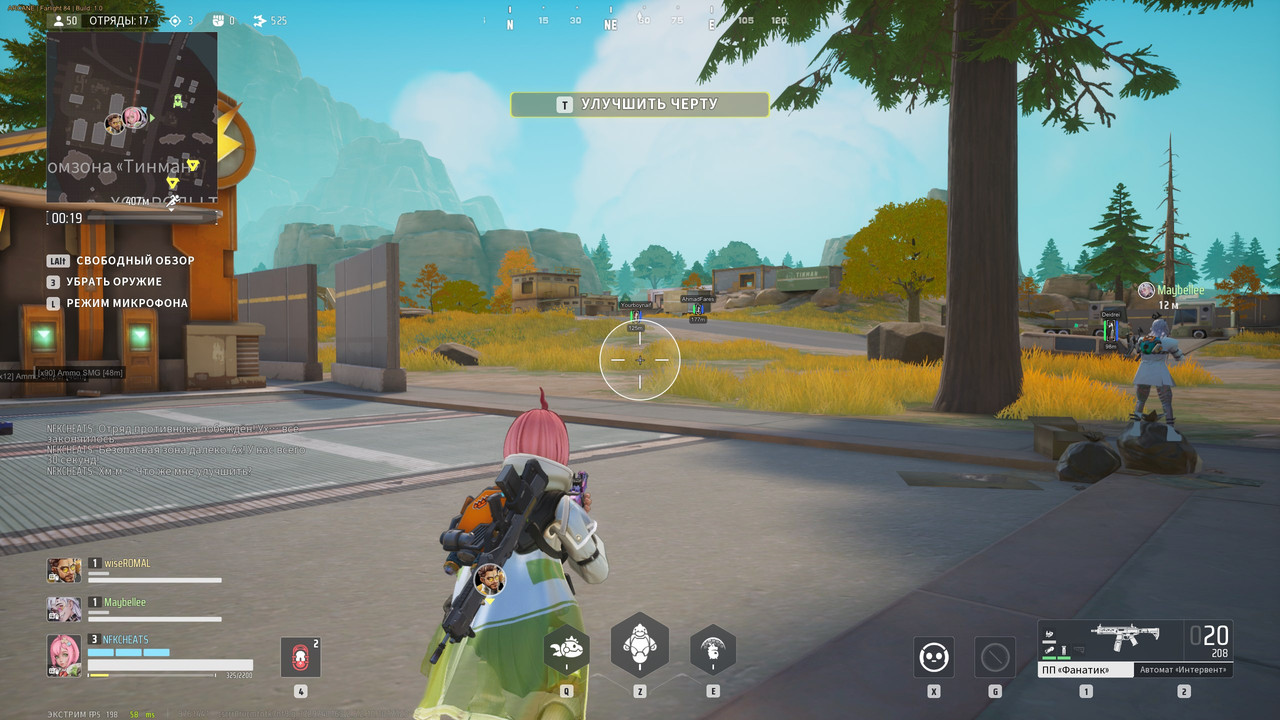
- Detailed Player ESP with health, shields, nicknames, skeletons and team filters
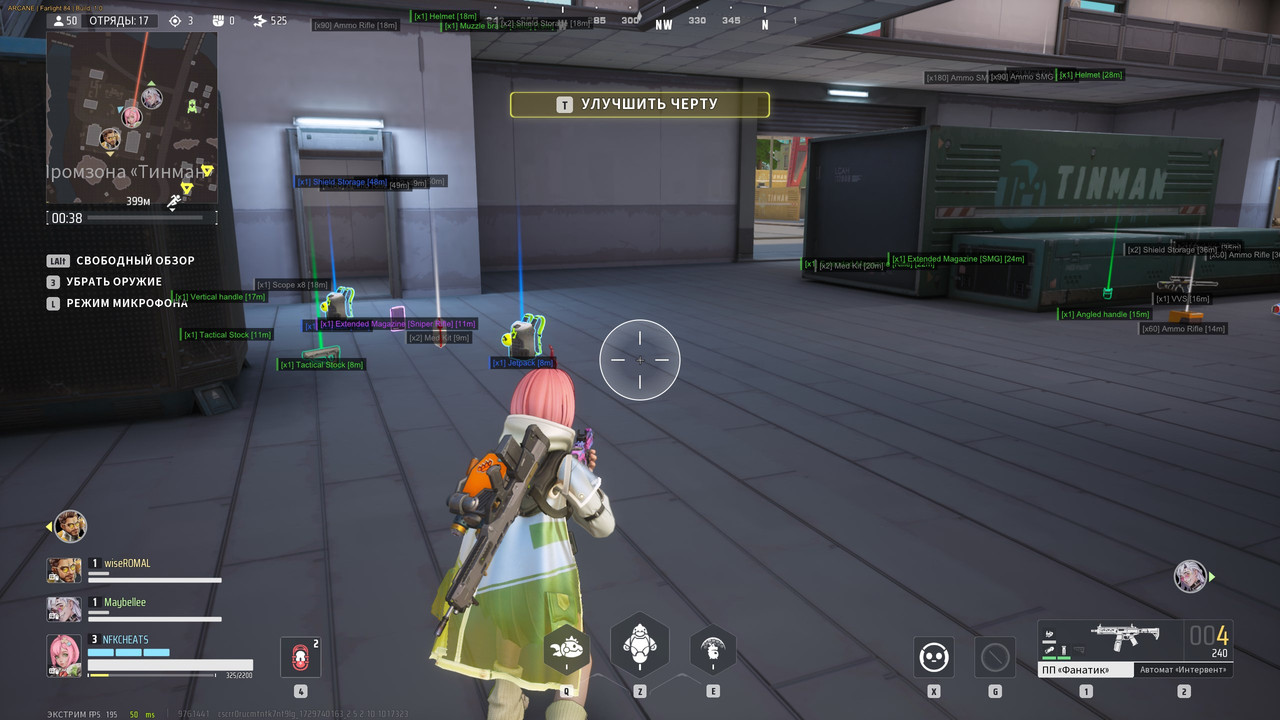
- Extensive Item ESP with individual filters for weapons, ammo, attachments and supplies
- Battle Mode for disabling unnecessary visual elements during combat
- Custom Crosshair with adjustable style, size and thickness
- Custom Menu Controls with selectable language and keybinds
AIMBOT
Configure the aiming system for different weapons, engagement distances and target types.
- Enable — activate the Aimbot
- Always — keep the Aimbot continuously active
- Target Bots — allow the Aimbot to target bots
- Target Teams — allow the Aimbot to target teammates
- Draw FOV Border — display the Aimbot operating radius
- Draw FOV Background — display a background inside the FOV circle
- Bone — select Head, Neck, Body or Pelvis as the target area
- Keybind — assign an activation key that must be pressed and held
- Smooth — adjust the smoothness of the aiming movement
- FOV — configure the size of the Aimbot operating area
- Distance — set the maximum targeting distance
PLAYER ESP
Display detailed information about players, bots and teammates while controlling how each visual element appears on your screen.
- 2D Boxes — display 2D boxes around players
- Filled Boxes — select a static or gradient box fill
- Health Bar — display health using static, health-based or gradient styles
- Shield Bar — display shields using static or health-based styles
- Lines — draw lines from the top, bottom or center of the screen
- Skeleton — display player skeletons
- Distance — show the distance to players
- Nickname — display player nicknames
- Show Bots — include bots in Player ESP
- Show Team — include teammates in Player ESP
- Rendering Distance — configure the maximum Player ESP range
ITEM ESP
Find important equipment and configure exactly which item categories should appear on your screen.
- Enable — activate Item ESP
- Show Count — display the quantity of available items
- Show Distance — display the distance to highlighted items
- Battle Mode — disable unnecessary visual elements during combat
- Rendering Distance — configure the maximum Item ESP range
GENERAL ITEM FILTERS
- Trait Cart — display Trait Carts
- OPT Shield — display optimized shields
- Jetpack — display jetpacks
- Helmet — display helmets
- Magazine Bag — display magazine bags
- Medkit — display medkits
- Shield Storage — display shield storage items
- OPT Growth — display optimized growth items
WEAPON ATTACHMENTS
- Vertical Handle — display vertical grips
- Angled Handle — display angled grips
- Muzzle Brake — display muzzle brakes
- Extended Magazine — display extended magazines
- Tactical Stock — display tactical stocks
- Scopes — display weapon scopes
AMMUNITION FILTERS
- SMG Ammo — display submachine gun ammunition
- Rifle Ammo — display rifle ammunition
- Shotgun Ammo — display shotgun ammunition
- Sniper Ammo — display sniper rifle ammunition
WEAPON FILTERS
- Machine Guns — display machine guns
- Sniper Rifles — display sniper rifles
- SMGs — display submachine guns
- Shotguns — display shotguns
- Assault Rifles — display assault rifles
CUSTOM CROSSHAIR
- Enable — display an additional center-screen crosshair
- Style — select the preferred crosshair design
- Size — adjust the displayed crosshair size
- Thickness — configure the thickness of the crosshair lines
MISCELLANEOUS SETTINGS
- FPS Limit — configure the maximum interface frame rate
- Menu Language — select the preferred interface language
- Menu Keybind — assign a custom key for opening the menu
- Unload Keybind — assign a key for completely unloading the software
PRODUCT SCREENSHOTS
Open the spoiler below to view the Arcane interface and available settings.
PURCHASE & DELIVERY
- Open the Arcane for Farlight 84 product page
- Check the current product status, compatibility and system requirements
- Select the license period that fits your needs
- Complete the checkout using a valid email address
- Receive your license information automatically after payment
- Follow the included step-by-step installation and activation guide
If you experience an issue during activation or initial setup, contact our customer support team using the details below.
WHY CHOOSE SHOPHACKGAMES?
- Automatic digital delivery immediately after payment
- Detailed and easy-to-follow setup instructions
- Assistance with activation and initial configuration
- Customer support after purchase
- Multiple license periods for different needs
- Current product status displayed on the website
- Clear compatibility and system requirement information
Before purchasing, always check the current status, supported game version, available license periods and system requirements on the product page.
IMPORTANT INFORMATION
Quote:
Third-party software may result in restrictions or permanent penalties being applied to your game account. No product can eliminate this risk completely. Do not use Arcane on an account you are not prepared to lose.
Activated or automatically delivered digital license keys cannot be withdrawn. Review the product description, status, compatibility and purchase terms before completing your order.
|








 Farlight 84 cheats (Arcane) - AimBot / Wallhack and ESP