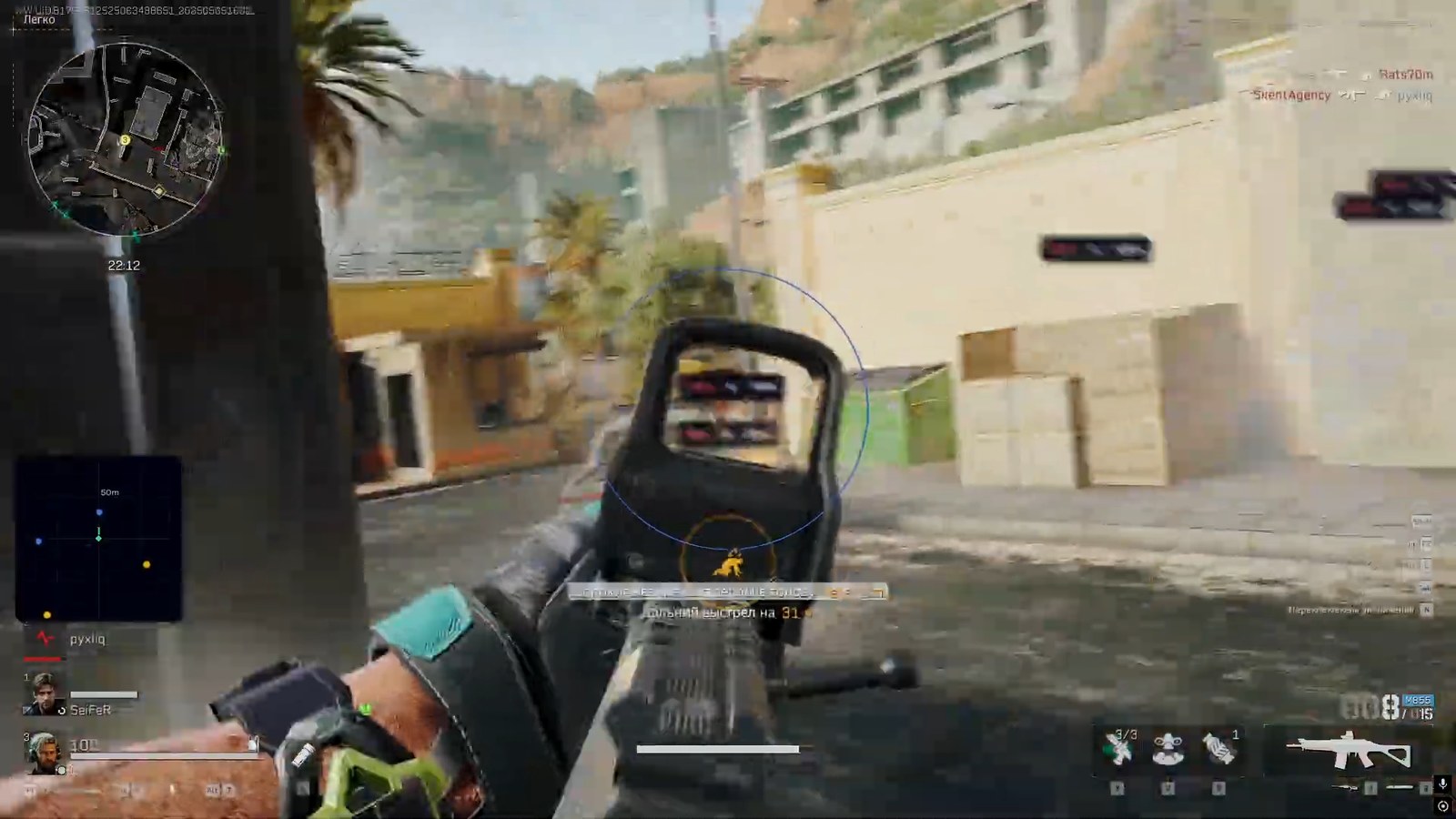
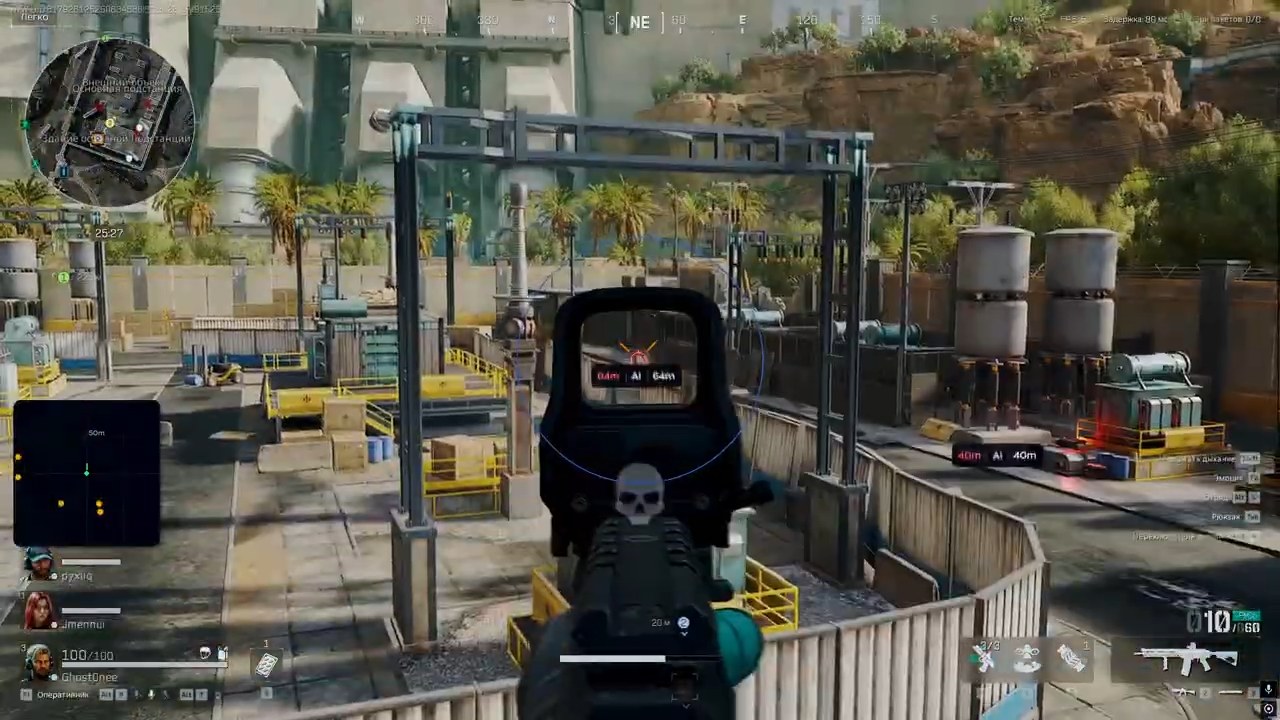
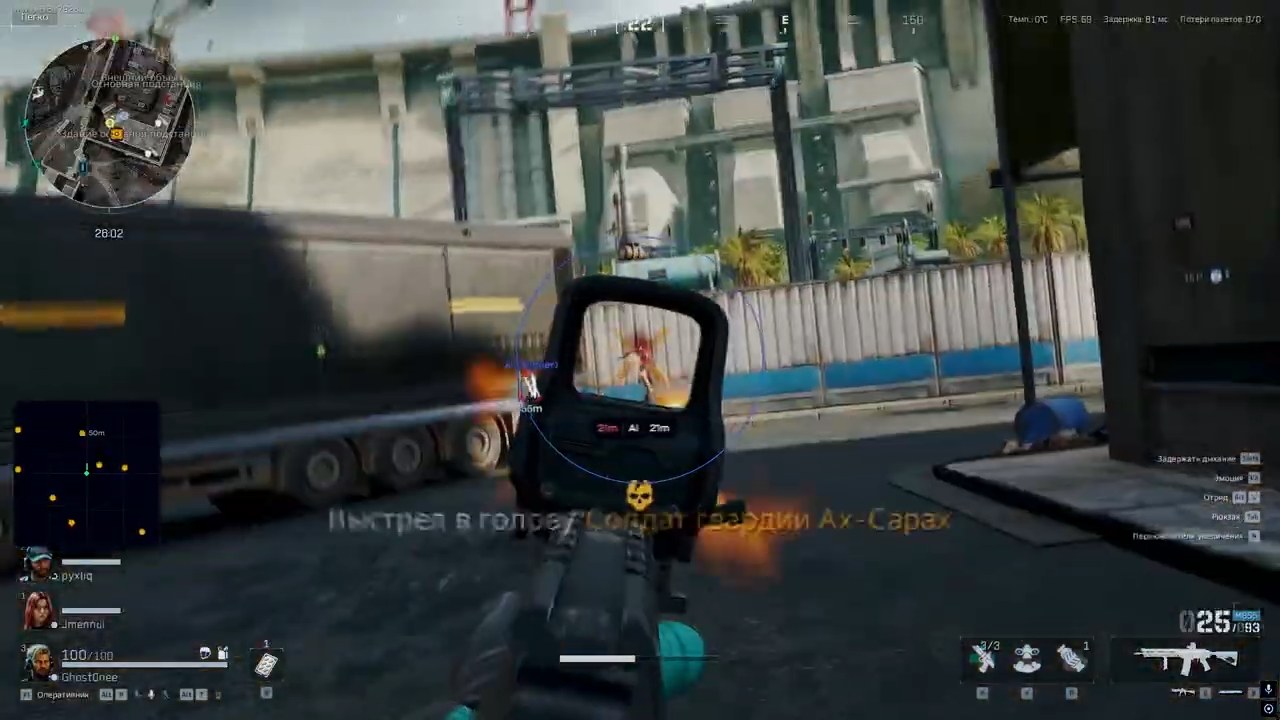
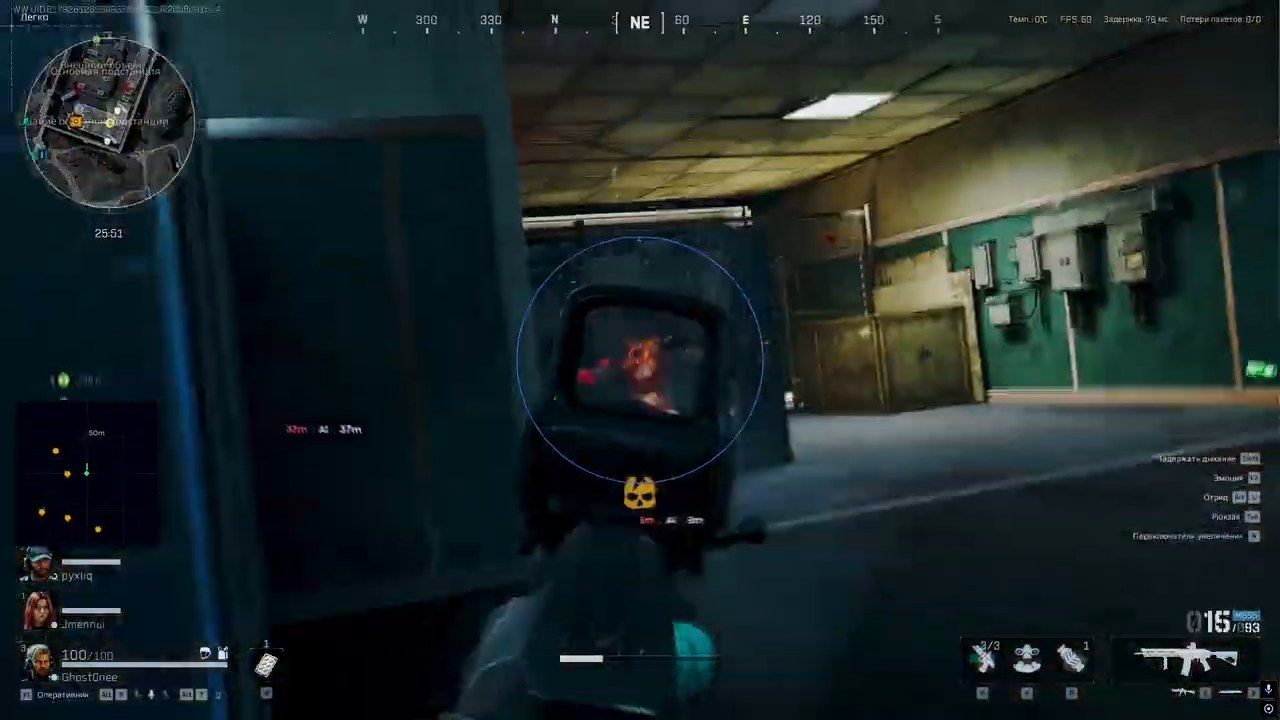
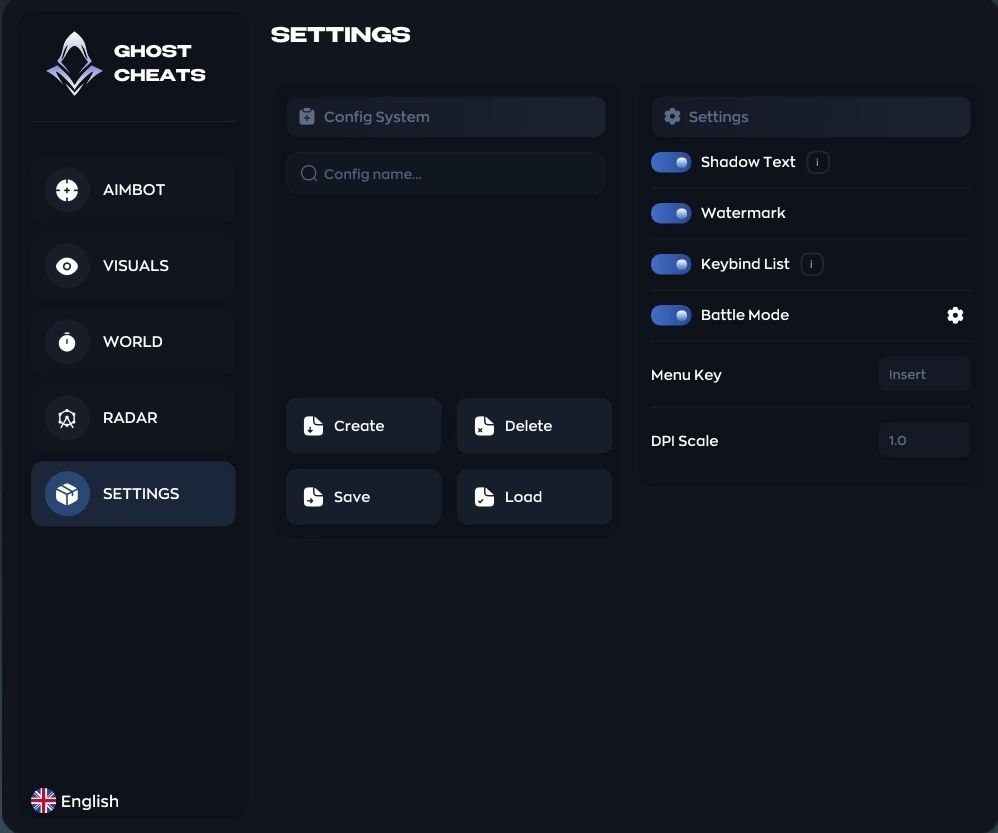
Screenshots:
Ghost DF Full — Aimbot • ESP • Radar
Ghost Full is the complete version of the Ghost private software for Delta Force: aimbot, ESP, world highlighting and radar in one package. A whole new level of capability for those used to staying one step ahead.
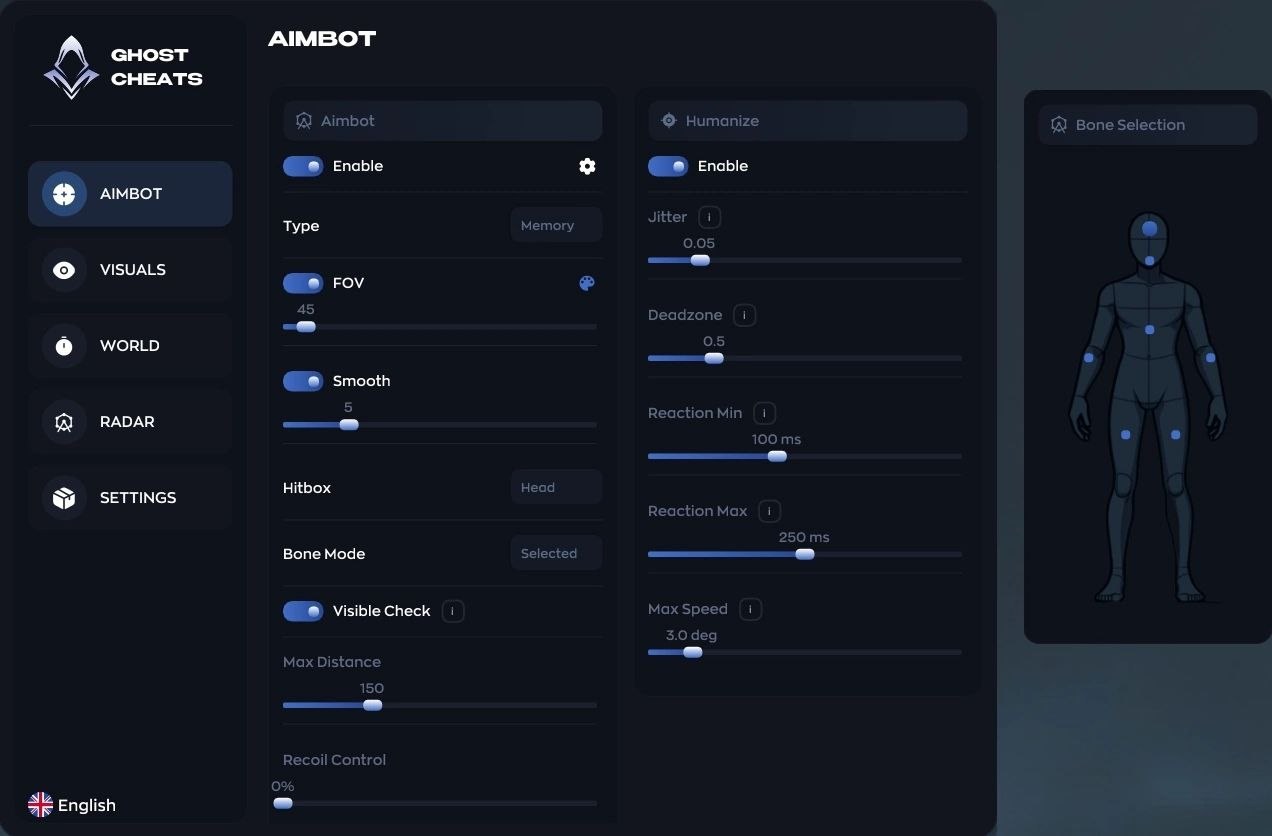
The aimbot runs in Memory and Silent modes: you can tune the FOV capture angle, aiming smoothness, hitbox and the exact bone of the model, and the working range. The Humanize system makes aiming indistinguishable from a real player's hand: Jitter micro-movements, a Deadzone, randomized reaction delay and a cap on aiming speed.
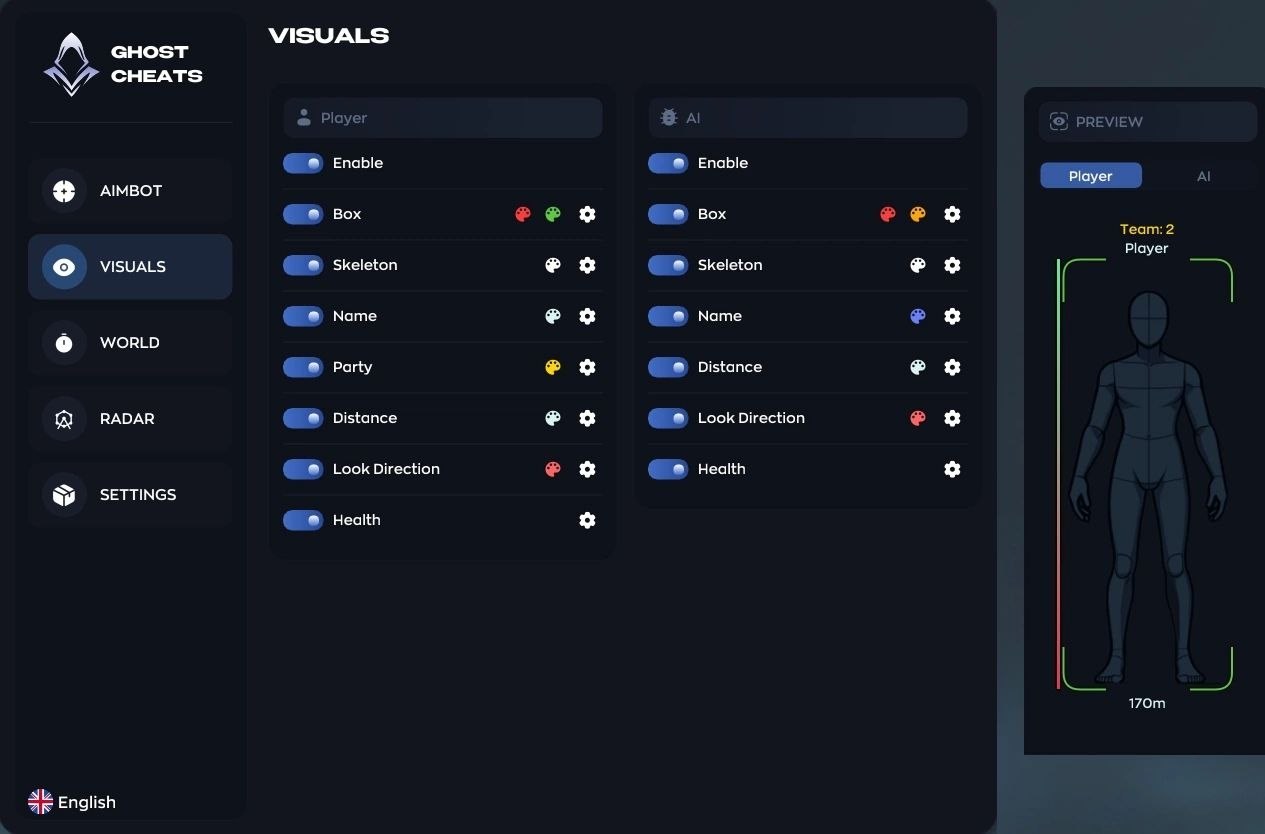
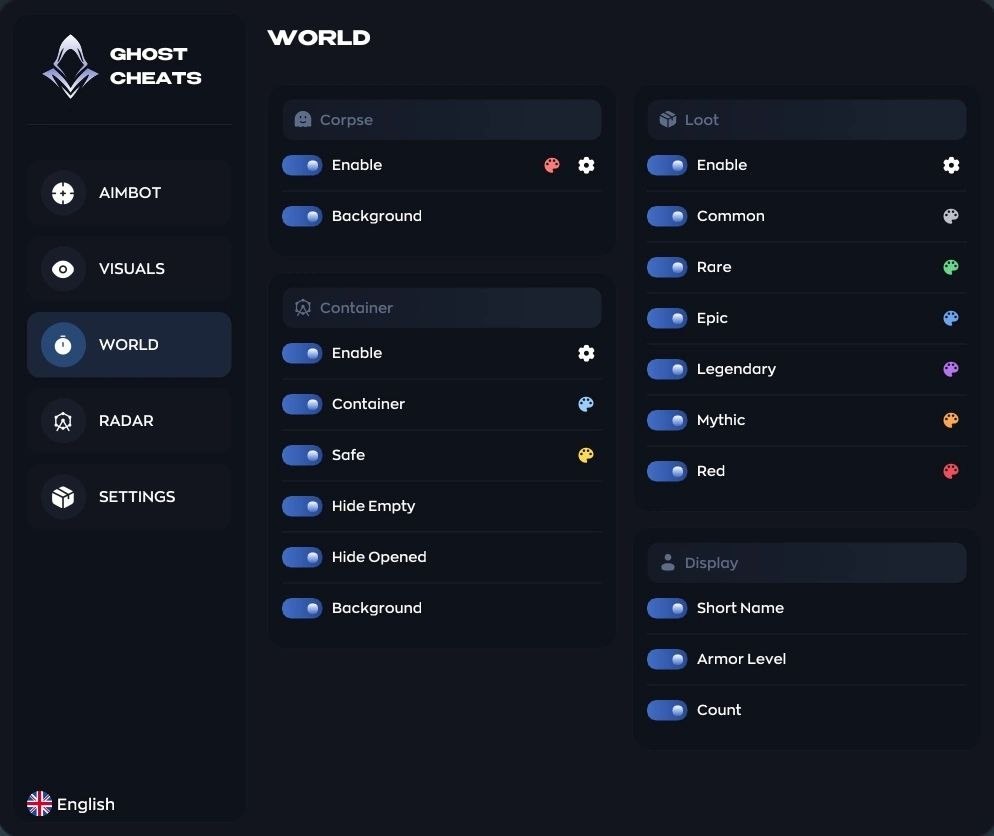
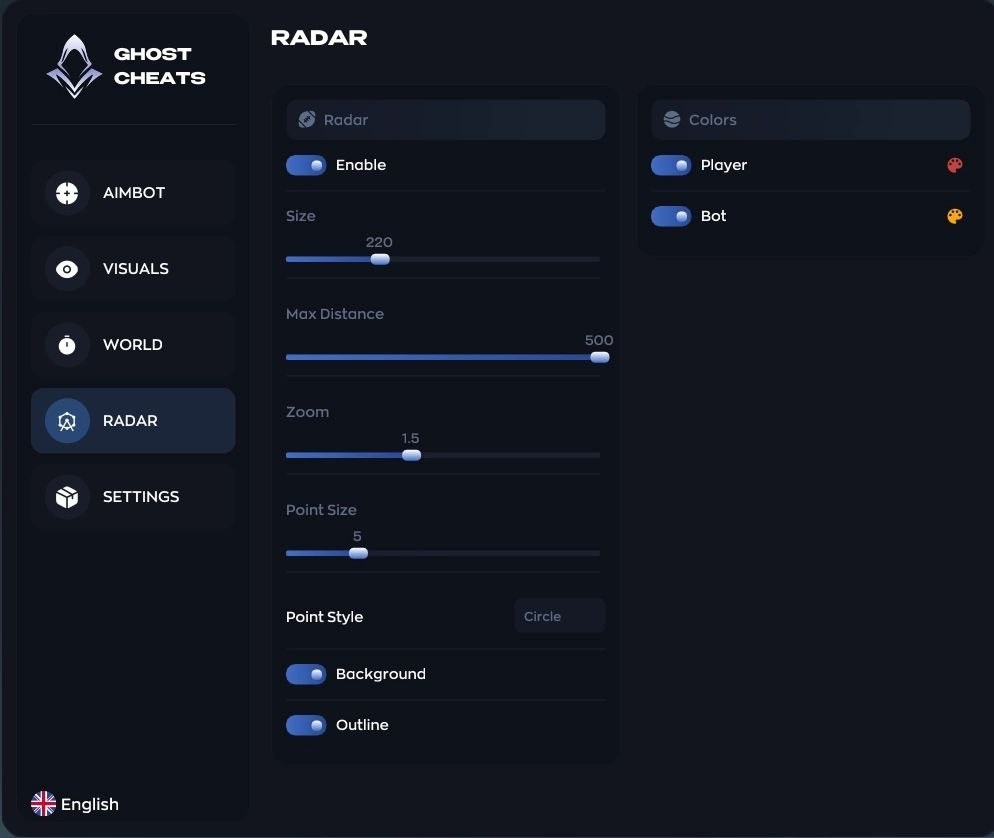
The ESP shows players and bots through walls: boxes, skeletons, nicknames, health, distance, view direction and squad members. The WORLD section highlights corpses, containers and safes — with filters for empty and already-opened ones — plus loot by value tier from Common to Legendary, with armor level and item count. The mini-radar with adjustable size, zoom and point style keeps the whole area under control.
Configs are created, saved and loaded in a couple of clicks; there is a battle mode, a keybind list, a custom menu key and DPI scaling, and the interface is translated into multiple languages. The Steam client is supported, on all versions of Windows 10 and 11.
Access plans & purchase:
Choose your access period. Current pricing is shown at checkout.
– 1 day — Current price / BUY
– 7 days — Current price / BUY
– 30 days — Current price / BUY
Buy on our website → | Alternative payment →
System Requirements:
· CPU: INTEL | AMD
· video card: NVIDIA | AMD
· OS: Windows 10 | 11 (All versions)
· Display mode: Window | Frameless
· Game client: Steam
Main Features:
· AIMBOT — Aimbot: Aimbot working mode: Memory or Silent (Type) / Target capture angle adjustment (FOV)
· AIMBOT — Humanize: Enables the aimbot “humanization” system (Enable) / Small micro-movements while aiming so it never looks perfect (Jitter)
· VISUALS — Player & bot ESP: ESP toggle for players and bots separately (Enable) / Box around the model (Box)
· WORLD — Corpses, containers, loot: Corpse display (Corpse) / Bot corpses shown separately (Bot Corpses)
· RADAR — Radar: Mini-radar overlay (Enable) / Radar window size adjustment (Size)
· SETTINGS — Configs & interface: Create, delete, save and load configs (Config System) / Text shadow for readability (Shadow Text)
Detailed Functionality:
AIMBOT — Aimbot:
– Aimbot working mode: Memory or Silent (Type) / Target capture angle adjustment (FOV) / Aiming smoothness (Smooth)
– Body part selection for aiming (Hitbox) / Exact bone selection on the character model (Bone Mode) / Aimbot working range adjustment (Max Distance)
AIMBOT — Humanize:
– Enables the aimbot “humanization” system (Enable) / Small micro-movements while aiming so it never looks perfect (Jitter) / A zone where the aimbot won’t move the crosshair until the target leaves it (Deadzone)
– Minimum reaction delay before aiming (Reaction Min) / Maximum reaction delay (Reaction Max) / Maximum aiming speed cap (Max Speed)
VISUALS — Player & bot ESP:
– ESP toggle for players and bots separately (Enable) / Box around the model (Box) / Character bone lines (Skeleton)
– Nickname or target type (Name) / Squad member highlighting (Party) / Distance to the target (Distance)
– Player view direction line (Look Direction) / Health display (Health)
WORLD — Corpses, containers, loot:
– Corpse display (Corpse) / Bot corpses shown separately (Bot Corpses) / Container display (Container)
– Safe highlighting (Safe) / Hide empty containers (Hide Empty) / Hide already-opened containers (Hide Opened)
– Ground item display (Loot) / Loot value tiers: Common / Rare / Epic / Legendary (Rarity) / Short name format (Short Name)
– Armor level display (Armor Level) / Item count (Count)
RADAR — Radar:
– Mini-radar overlay (Enable) / Radar window size adjustment (Size) / Detection range (Max Distance)
– Zoom in and out (Zoom) / Marker size (Point Size) / Point style: circle / square / triangle (Point Style)
SETTINGS — Configs & interface:
– Create, delete, save and load configs (Config System) / Text shadow for readability (Shadow Text) / Watermark with the cheat logo (Watermark)
– Hotkey list (Keybind List) / Quick combat profile (Battle Mode) / Menu open key binding (Menu Key)
– Interface scale (DPI Scale) / Menu language selection, including Russian (Language)
Useful Links:
· All products for Delta Force
· Customer Reviews
· Guarantees & Warranty
· Product Status & Updates
· FAQ
· Setup Instructions
Contacts & Support:
Telegram: https://t.me/undetect
Telegram Chat: https://t.me/+U2D5lhPGgiLdrCnd
News Channel: https://t.me/+VJ10BkjjIZpt-aBf
News Bot: https://t.me/ivsofte_updates_bot
Discord: Discord
Email: [email protected]
For installation and setup questions, contact us on Telegram or Discord.








 Ghost DF Full | Delta Force Cheat | Aimbot • ESP • Radar